

Build your own AI office with Univer Office SDK.
Start with open-source Sheets and Docs, then connect your own application or agent.
🚀 Quick start · 💼 Workspace · 📚 Documentation · ⚖️ Feature comparison · 🌐 Website · 🎮 Showcase · 🔧 API Reference · 📝 Blog
English · Français · Deutsch · Español · 简体中文 · 繁體中文 · 日本語 · 한국어


Table of contents
💡 What is Univer?

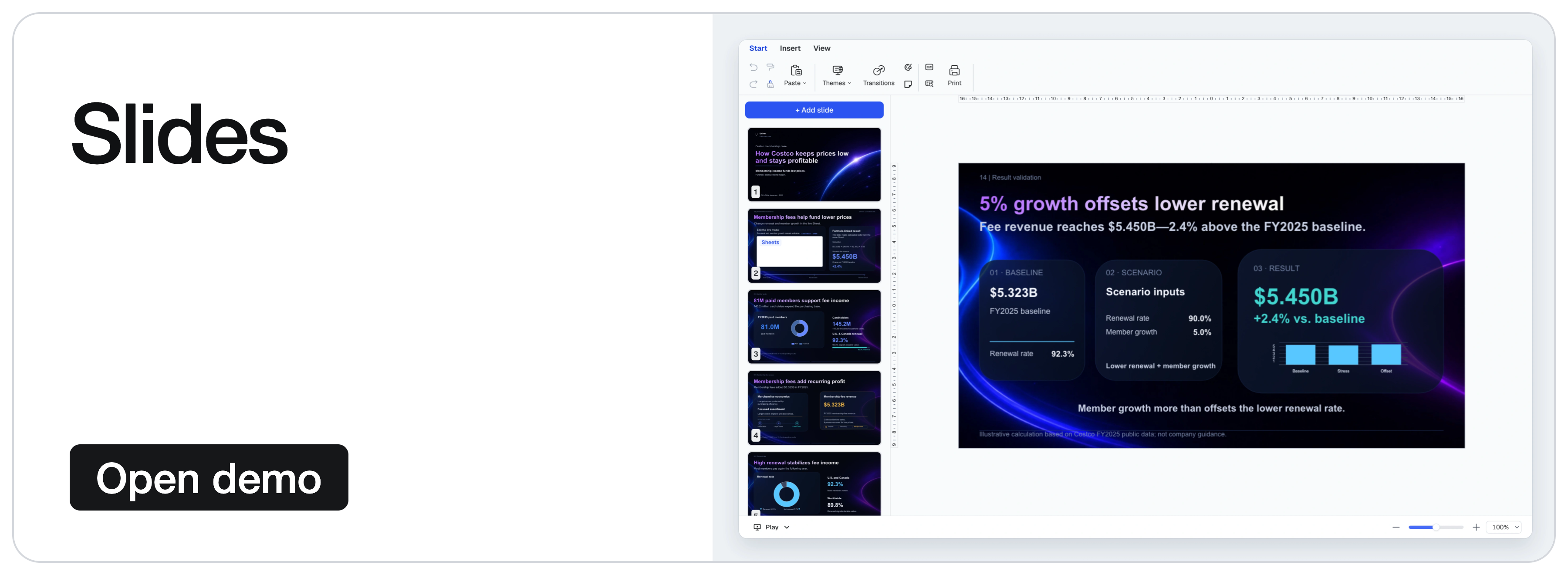
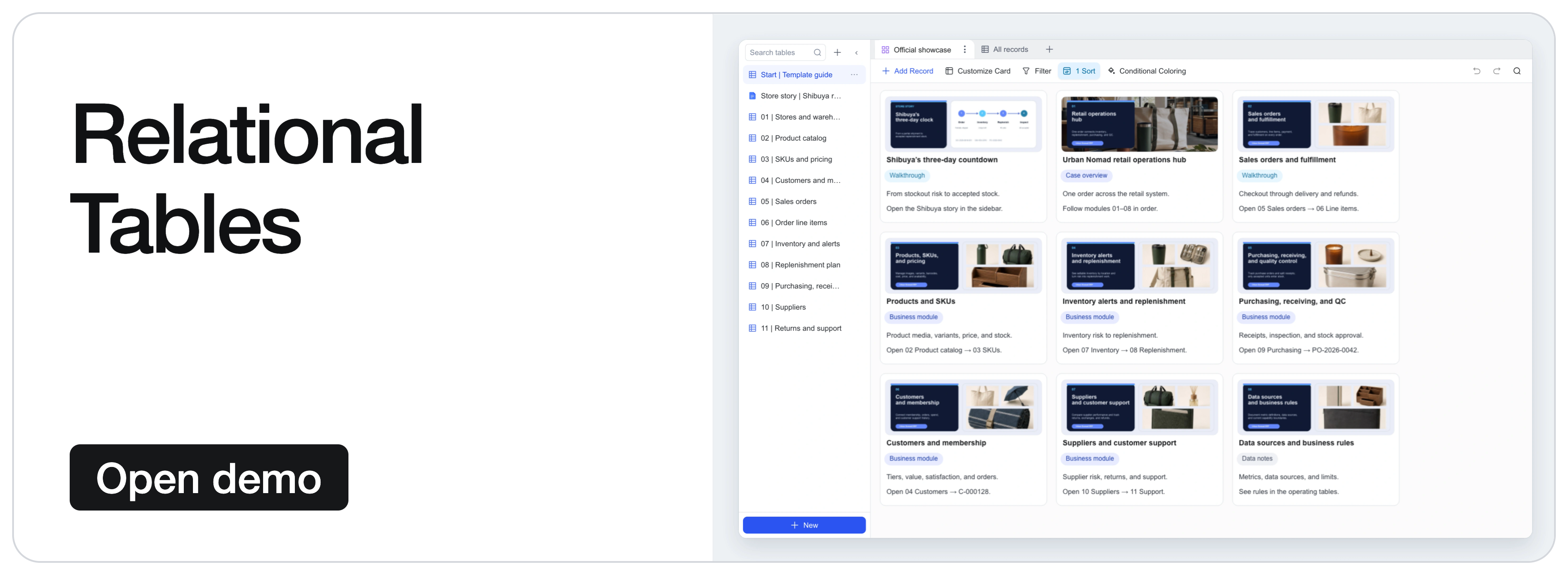
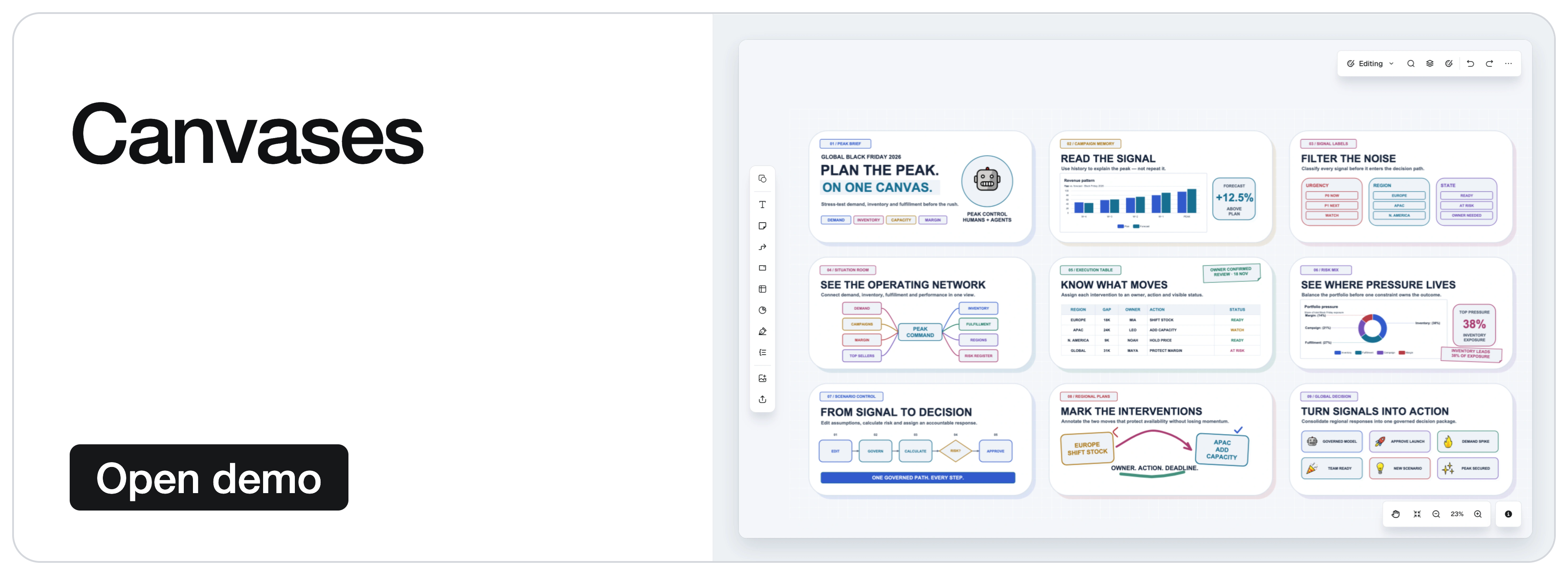
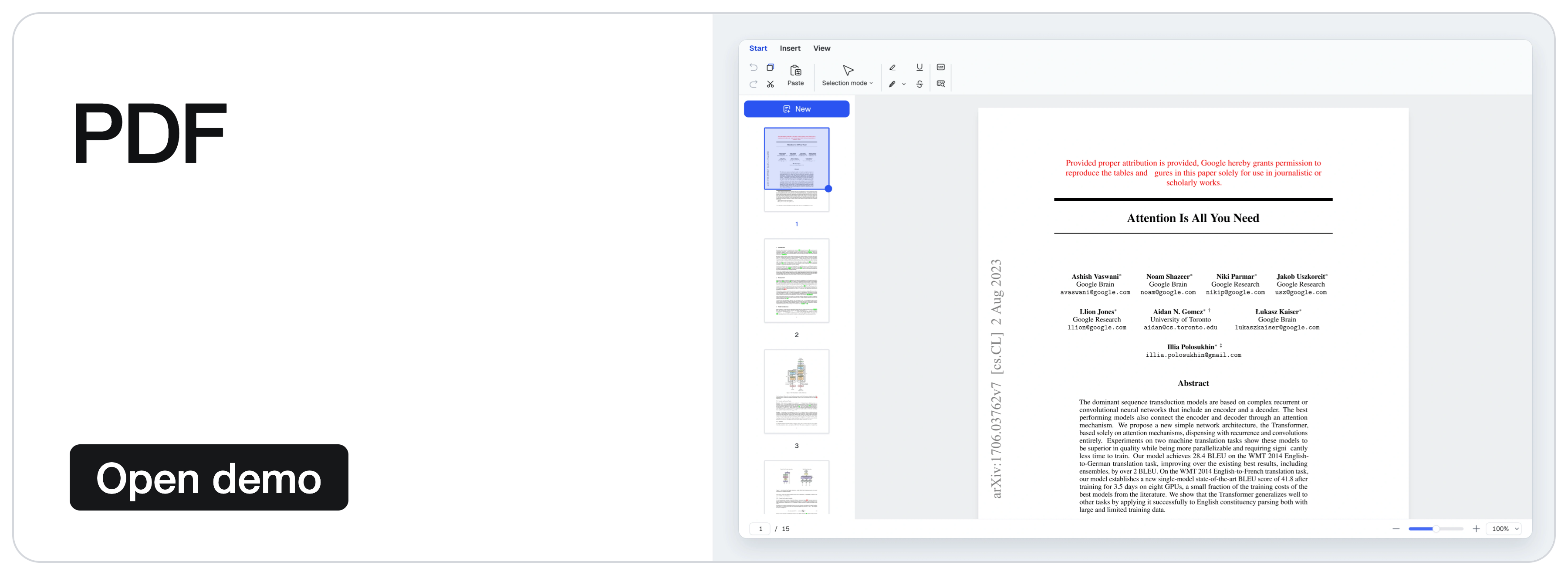
Univer is an Office SDK for building Office applications inside your own product. It provides Office editing, calculation, collaboration, and file processing for people and existing agents, using your data and permissions. The product family covers spreadsheets, documents, presentations, relational tables, canvases, and PDFs.

Univer Office SDK has three parts:
- Web SDK is the foundation: content models, editing, rendering, formula calculation, and Facade APIs (application-facing APIs). Compose its plugins into an embedded editor or your own Office application, and reuse the content models, commands, and calculation for Headless processing without an interactive editor.
- Server SDK adds backend services for real-time collaboration, edit history, and Office file import and export.
- AI SDK connects Office capabilities to existing agents and workflows, with content tools, execution, and review integrations.
This repository provides the Web SDK's core architecture and engine implementations under Apache-2.0: content models and snapshot formats, plugin and dependency management, the command system, formula and rendering engines, Facade APIs, UI foundation, and Sheets and Docs editing capabilities. Commercial Web SDK plugins, Server SDK, and commercial AI SDK extensions are distributed and licensed separately.
Agents can use the same open-source APIs; your application supplies the model and tool orchestration. The quotation example demonstrates editing, calculation, and saving without an AI SDK dependency.
Open-source capabilities
| Area | Selected capabilities |
|---|---|
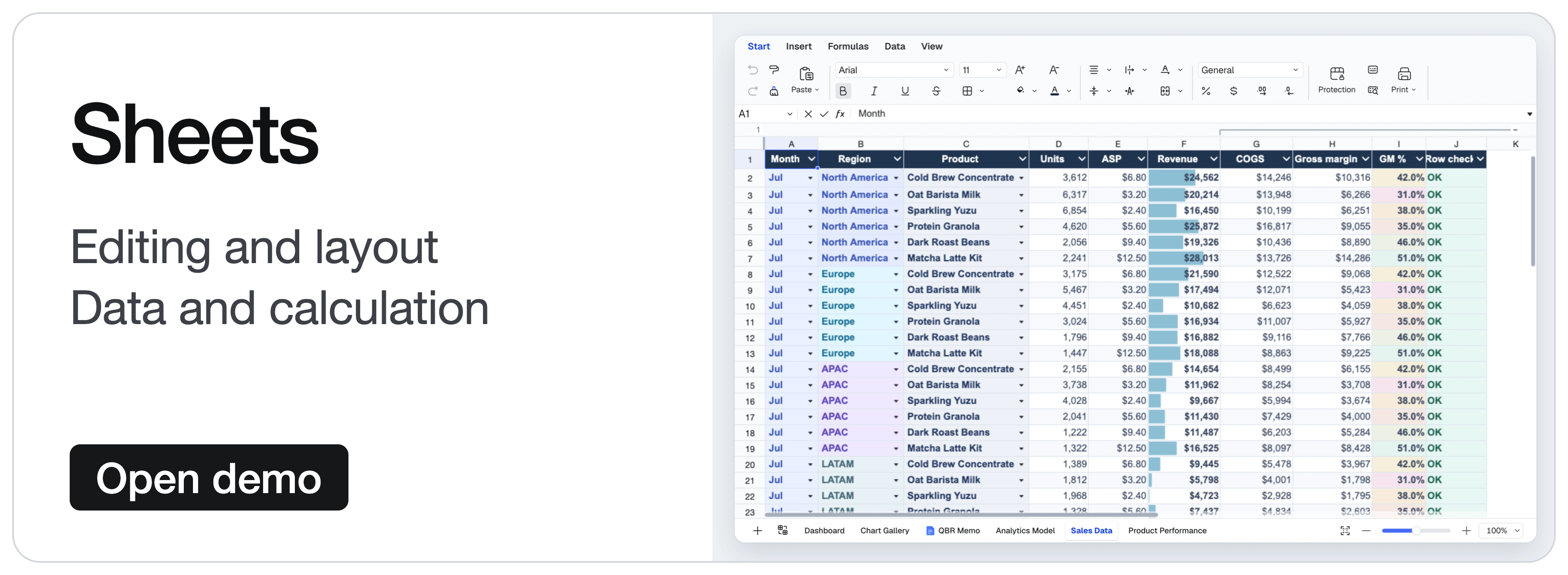
| Sheets · Editing and layout | Cell styles, merged cells, in-cell rich text, freeze panes, floating images, and undo/redo. |
| Sheets · Data and calculation | Formulas, defined names, filtering, sorting, data validation, conditional formatting, hyperlinks, comments, and find and replace. |
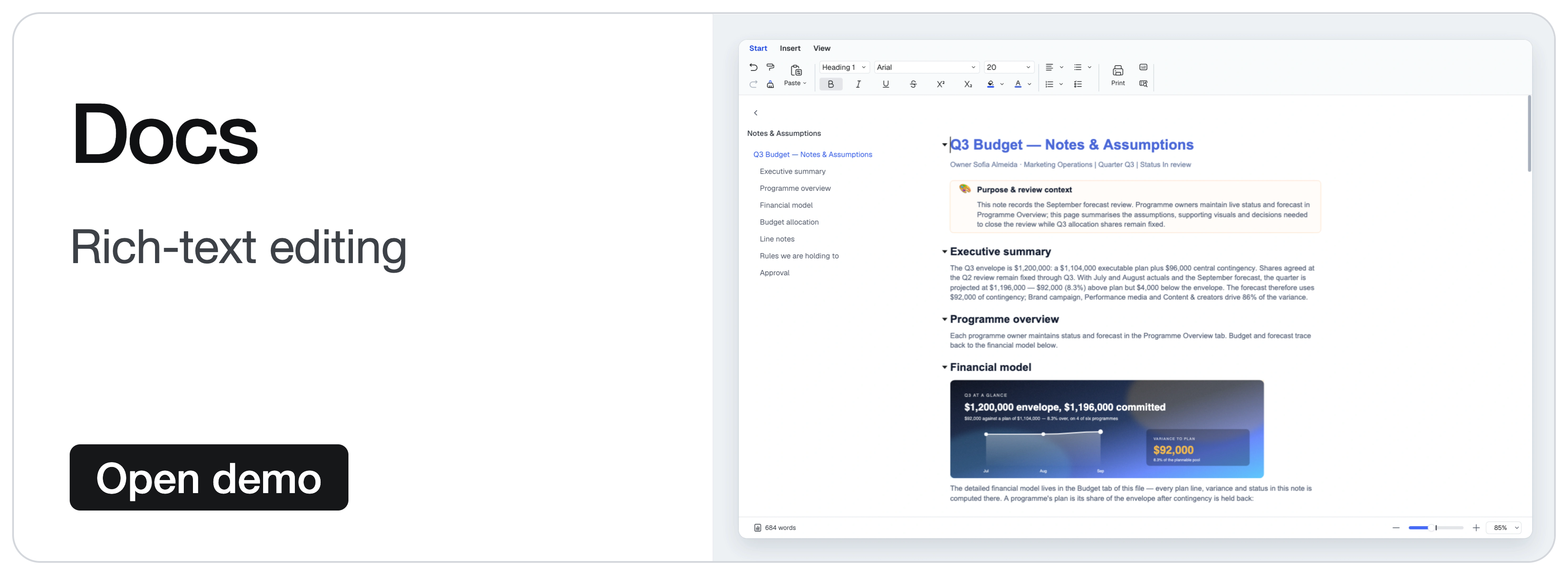
| Docs | Rich-text editing, paragraph formatting, lists, hyperlinks, comments, and drawing integration. |
Features are composed through plugins and presets; the quick start uses only the Sheets Core preset. Images use the corresponding drawing plugins. See the feature comparison for detailed open-source and commercial coverage.
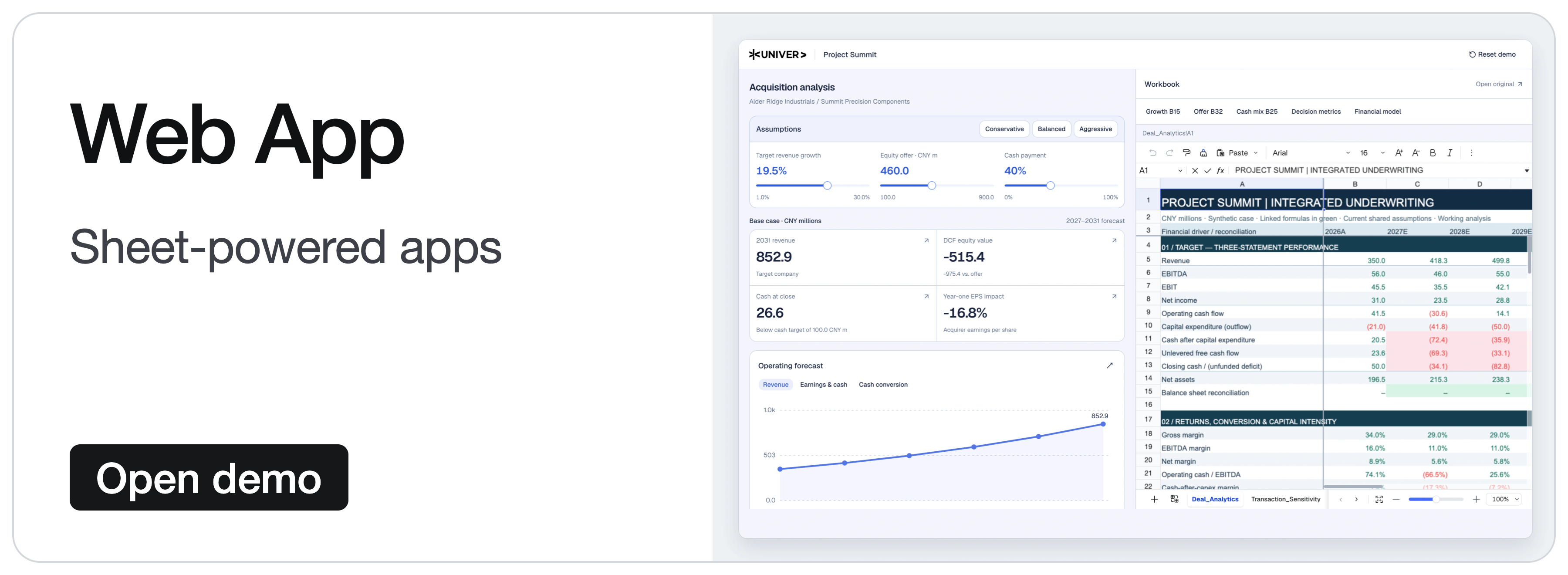
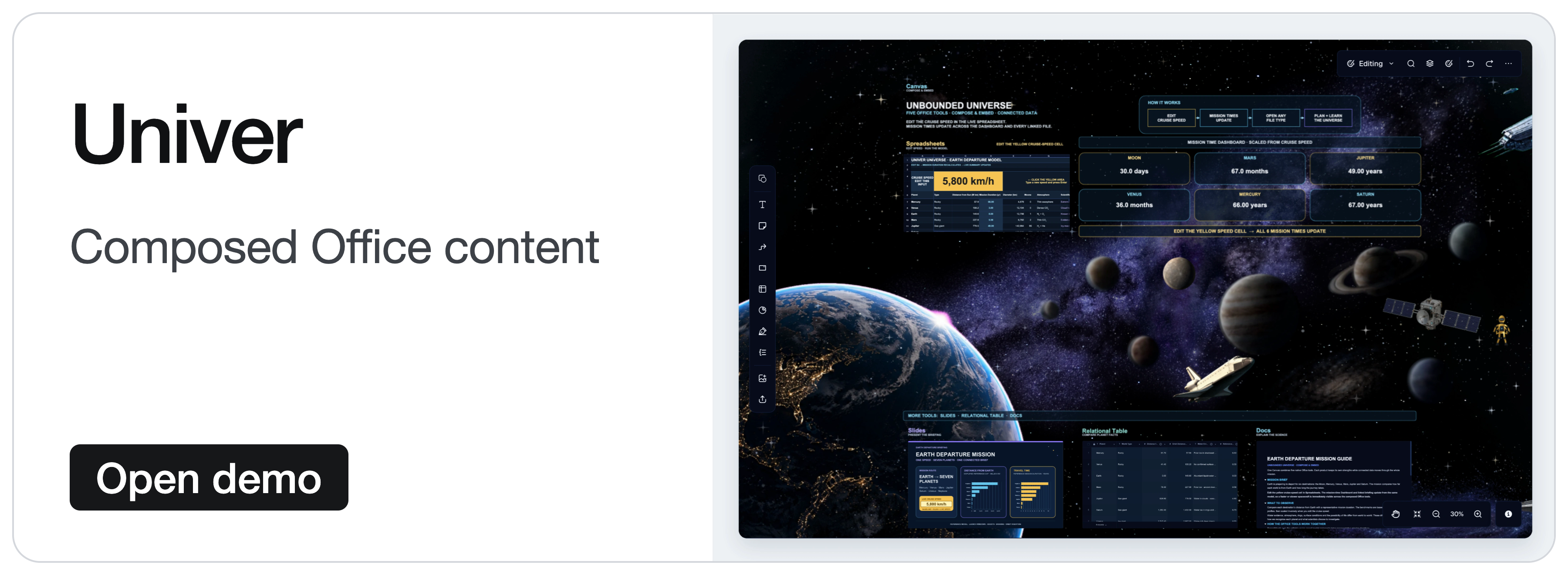
The demos below showcase the wider Univer Office SDK, including commercial capabilities. They show more than the default open-source setup; see open source and commercial extensions for scope.
 |
 |
 |
 |
 |
 |
 |
 |

🚀 Build on the open-source foundation

| Your goal | Use the open-source foundation | Start here |
|---|---|---|
| Embed Sheets or Docs | Add an editable Office surface to your application or agent product, and connect your data through Facade APIs. | Quick start |
| Process content without an editor | Reuse content plugins, models, commands, and calculation in Node.js for editing, snapshots, and automated tasks. | Headless guide |
| Develop custom features or editors | Reuse the engines, UI components, plugin boundaries, dependency injection, and command/undo systems. Follow existing features to extend Sheets and Docs or develop your own editors. | Open-source architecture |
Coordinate edits and undo/redo across features. Inserting a row inside a filter range changes both the base content and the filter range; undo needs to restore both. Each feature supplies its own changes and undo data, and the command composes their execution and history. The architecture walkthrough explains how to extend these editing workflows.
Quick start: an open-source spreadsheet editor
In a browser application using a bundler such as Vite:
pnpm add @univerjs/presets @univerjs/preset-sheets-coreCreate the container before initializing Univer:
<div id="app" style="height: 100vh"></div>import { UniverSheetsCorePreset } from '@univerjs/preset-sheets-core'
import UniverPresetSheetsCoreEnUS from '@univerjs/preset-sheets-core/locales/en-US'
import { createUniver, LocaleType, mergeLocales } from '@univerjs/presets'
import '@univerjs/preset-sheets-core/lib/index.css'
const { univerAPI } = createUniver({
locale: LocaleType.EN_US,
locales: {
[LocaleType.EN_US]: mergeLocales(UniverPresetSheetsCoreEnUS),
},
presets: [
UniverSheetsCorePreset({
container: 'app',
}),
],
})
univerAPI.createWorkbook({})Your page now contains a spreadsheet editor. Use the returned univerAPI to work with its content. This example uses open-source packages and needs no commercial Univer license or Server SDK.
For component frameworks, retain the univer instance returned by createUniver and call univer.dispose() when the component unmounts. See the lifecycle guide.
Presets compose plugins and register their Facade APIs. For manual control, see the Plugin Mode example below. The installation guide covers both modes, peer dependencies, and framework integrations.
Keep coordinated @univerjs/* packages on the same version. Commercial packages must use the matching release line; independently released packages such as icons follow their declared compatibility. See the API Stability Policy.
Connect your application to editable content
Facade APIs are the application-facing interface to workbooks, worksheets, and ranges. Continue from the quick start to populate a quotation, update a quantity from application code, and read the recalculated total:
// Wait for formula controllers before editing a newly created workbook.
await new Promise<void>((resolve) => {
  if (univerAPI.getCurrentLifecycleStage() >= univerAPI.Enum.LifecycleStages.Steady) {
    resolve()
    return
  }
  const listener = univerAPI.addEvent(univerAPI.Event.LifeCycleChanged, ({ stage }) => {
    if (stage === univerAPI.Enum.LifecycleStages.Steady) {
      listener.dispose()
      resolve()
    }
  })
})

const workbook = univerAPI.getActiveWorkbook()!
const sheet = workbook.getActiveSheet()

sheet.getRange('A1:D4').setValues([
  ['Item', 'Quantity', 'Unit price', 'Amount'],
  ['Seats', 2, 25, '=B2*C2'],
  ['Support', 1, 100, '=B3*C3'],
  ['Total', '', '', '=SUM(D2:D3)'],
])

// An application control or agent can make the same edit.
sheet.getRange('B2').setValue(4)

univerAPI.getFormula().onCalculationResultApplied().then(() => {
  console.log(sheet.getRange('D4').getValue()) // 200
  localStorage.setItem('quotation', JSON.stringify(workbook.save()))
}).catch(console.error)
The editor and your application operate on the same workbook; formula changes are recalculated automatically. workbook.save() returns a JSON snapshot containing the workbook and its registered plugin data. Your application owns persistence; this example uses browser storage. On a later page load, after initialization, restore the snapshot instead of creating a blank workbook:
const saved = localStorage.getItem('quotation')
if (saved) {
  univerAPI.createWorkbook(JSON.parse(saved))
}
This workflow uses only open-source packages. Snapshot persistence is separate from XLSX import and export, which uses the separately distributed file-conversion capabilities. Use public Facade APIs for application integration; the source links below explain internal implementation and extension points. See the API Stability Policy before depending on an extension point.
Advanced: compose plugins manually (Plugin Mode)
Use Plugin Mode when you need precise control over plugin selection, dependencies, or loading. The preset above handles this composition for you.
This alternative initialization uses the same app container and the Sheets Core preset's browser plugin stack without a Worker. Use it instead of the preset initialization, then run the same quotation example with the returned univerAPI.
pnpm add @univerjs/core @univerjs/design @univerjs/docs @univerjs/docs-ui \
  @univerjs/engine-formula @univerjs/engine-render @univerjs/network \
  @univerjs/sheets @univerjs/sheets-ui @univerjs/sheets-formula \
  @univerjs/sheets-formula-ui @univerjs/sheets-numfmt \
  @univerjs/sheets-numfmt-ui @univerjs/ui
import { LocaleType, mergeLocales, Univer } from '@univerjs/core'
import { FUniver } from '@univerjs/core/facade'
import DesignEnUS from '@univerjs/design/locale/en-US'
import { UniverDocsPlugin } from '@univerjs/docs'
import { UniverDocsUIPlugin } from '@univerjs/docs-ui'
import DocsUIEnUS from '@univerjs/docs-ui/locale/en-US'
import { UniverFormulaEnginePlugin } from '@univerjs/engine-formula'
import FormulaEnUS from '@univerjs/engine-formula/locale/en-US'
import { UniverRenderEnginePlugin } from '@univerjs/engine-render'
import { UniverNetworkPlugin } from '@univerjs/network'
import { UniverSheetsPlugin } from '@univerjs/sheets'
import SheetsEnUS from '@univerjs/sheets/locale/en-US'
import { UniverSheetsFormulaPlugin } from '@univerjs/sheets-formula'
import SheetsFormulaEnUS from '@univerjs/sheets-formula/locale/en-US'
import { UniverSheetsFormulaUIPlugin } from '@univerjs/sheets-formula-ui'
import SheetsFormulaUIEnUS from '@univerjs/sheets-formula-ui/locale/en-US'
import { UniverSheetsNumfmtPlugin } from '@univerjs/sheets-numfmt'
import { UniverSheetsNumfmtUIPlugin } from '@univerjs/sheets-numfmt-ui'
import SheetsNumfmtUIEnUS from '@univerjs/sheets-numfmt-ui/locale/en-US'
import { UniverSheetsUIPlugin } from '@univerjs/sheets-ui'
import SheetsUIEnUS from '@univerjs/sheets-ui/locale/en-US'
import { UniverUIPlugin } from '@univerjs/ui'
import UIEnUS from '@univerjs/ui/locale/en-US'
import '@univerjs/design/lib/index.css'
import '@univerjs/ui/lib/index.css'
import '@univerjs/docs-ui/lib/index.css'
import '@univerjs/sheets-ui/lib/index.css'
import '@univerjs/sheets-formula-ui/lib/index.css'
import '@univerjs/sheets-numfmt-ui/lib/index.css'
import '@univerjs/network/facade'
import '@univerjs/docs/facade'
import '@univerjs/docs-ui/facade'
import '@univerjs/engine-formula/facade'
import '@univerjs/sheets/facade'
import '@univerjs/ui/facade'
import '@univerjs/sheets-ui/facade'
import '@univerjs/sheets-formula/facade'
import '@univerjs/sheets-numfmt/facade'
import '@univerjs/sheets-formula-ui/facade'
const univer = new Univer({
locale: LocaleType.EN_US,
locales: {
[LocaleType.EN_US]: mergeLocales(
DesignEnUS,
DocsUIEnUS,
FormulaEnUS,
SheetsEnUS,
SheetsFormulaEnUS,
SheetsFormulaUIEnUS,
SheetsNumfmtUIEnUS,
SheetsUIEnUS,
UIEnUS,
),
},
})
univer.registerPlugin(UniverNetworkPlugin)
univer.registerPlugin(UniverDocsPlugin)
univer.registerPlugin(UniverRenderEnginePlugin)
univer.registerPlugin(UniverUIPlugin, { container: 'app' })
univer.registerPlugin(UniverDocsUIPlugin)
univer.registerPlugin(UniverFormulaEnginePlugin)
univer.registerPlugin(UniverSheetsPlugin, {
onlyRegisterFormulaRelatedMutations: false,
})
univer.registerPlugin(UniverSheetsUIPlugin, {
protectedRangeShadow: true,
})
univer.registerPlugin(UniverSheetsNumfmtPlugin)
univer.registerPlugin(UniverSheetsNumfmtUIPlugin)
univer.registerPlugin(UniverSheetsFormulaPlugin)
univer.registerPlugin(UniverSheetsFormulaUIPlugin)
const univerAPI = FUniver.newAPI(univer)
univerAPI.createWorkbook({})The Docs plugins support spreadsheet rich-text editing. When adding a feature, include its corresponding Facade extensions, locale bundles, and UI styles. Dispose univer when its container is unmounted.
🏗️ Explore the open-source architecture

Give custom features clear boundaries
Univer organizes content logic and UI interaction in separate plugins. Feature plugins manage rules and content changes; UI plugins provide the interface and user interactions. For example, sheets-filter manages filter ranges and rules, while sheets-filter-ui provides panels, menus, and shortcuts.
%%{init: {'htmlLabels': false, 'theme': 'base', 'themeVariables': {'fontFamily': 'Arial, PingFang SC, Microsoft YaHei, sans-serif', 'fontSize': '17px', 'lineColor': '#64748b'}, 'flowchart': {'htmlLabels': false, 'curve': 'linear', 'nodeSpacing': 28, 'rankSpacing': 45, 'padding': 16, 'wrappingWidth': 270}}}%%
%% A layered overview, not a complete dependency graph.
%% Group arrows indicate reuse of the layer below; internal arrows show selected dependencies.
flowchart TD
  subgraph FEATURES["Feature Plugins"]
    direction LR
    FUI["Filter<br/>UI Plugin"]
    VUI["Data Validation<br/>UI Plugin"]
    FILTER["Filter Plugin"]
    VALIDATION["Data Validation Plugin"]
    FUI --> FILTER
    VUI --> VALIDATION
  end

  subgraph PRODUCTS["Product Plugins"]
    direction LR
    SUI["Sheets UI Plugin"]
    SHEETS["Sheets Plugin"]
    SUI --> SHEETS
  end

  subgraph FOUNDATION["Core Framework & Plugins"]
    direction LR
    UI["UI Plugin"]
    FORMULA["Formula Engine Plugin"]
    RENDER["Render Engine Plugin"]
    CORE["Core"]
    UI --> RENDER
    RENDER --> CORE
    FORMULA --> CORE
  end

  FEATURES --> PRODUCTS
  PRODUCTS --> FOUNDATION

  classDef logic fill:#eff6ff,color:#17365f,stroke:#93b4df,stroke-width:1.5px
  classDef ui fill:#f0fdf4,color:#17543a,stroke:#91c8a7,stroke-width:1.5px
  classDef shared fill:#f6f7f9,color:#334155,stroke:#bac3ce,stroke-width:1.5px
  classDef feature fill:#172d50,color:#ffffff,stroke:#172d50
  class FUI,VUI ui
  class FILTER,VALIDATION logic
  class SUI,SHEETS logic
  class UI,FORMULA,RENDER,CORE shared

  style FEATURES fill:#f7fcf9,stroke:#b5d8c1,color:#17543a
  style PRODUCTS fill:#f5f9ff,stroke:#b6cbea,color:#17365f
  style FOUNDATION fill:#fafbfc,stroke:#cbd2dc,color:#334155
Figure 1: three plugin layers. Feature plugins build on product plugins, which reuse the core framework and plugins. Group arrows show dependencies on the layer below; Core provides content models, commands, dependency injection, and lifecycle management. Some plugins and dependencies are omitted.
New features keep their rules in their own plugins and cooperate through public services, commands, and defined extension points. UI plugins build on shared UI services and components.
Dependencies are explicit at two levels:
- Between plugins:
DependentOndeclares runtime plugin dependencies. The plugin service orders them, and lifecycle stages separate dependency registration, content initialization, and UI initialization. - Inside plugins: dependency injection connects controllers and services through declared dependencies. Supported overrides let an application replace an implementation, adapt a platform service, or supply a test double. Instance-scoped injectors keep application state separate between Univer instances.
Disposable registration also gives commands, listeners, components, and icons a cleanup path when their owner is disposed.
The filter plugin and its UI plugin show these boundaries in working code.
Inside a feature: Model, Controller, Service, and the UI foundation
For filtering, sheets-filter owns content logic and sheets-filter-ui owns UI interaction. Each module has a focused responsibility.
%%{init: {'htmlLabels': false, 'theme': 'base', 'themeVariables': {'fontFamily': 'Arial, PingFang SC, Microsoft YaHei, sans-serif', 'fontSize': '17px', 'lineColor': '#64748b'}, 'flowchart': {'htmlLabels': false, 'curve': 'linear', 'nodeSpacing': 28, 'rankSpacing': 45, 'padding': 16, 'wrappingWidth': 270}}}%%
%% Every arrow means contains. This is code organization, not execution order.
flowchart LR
  FEATURE["Filter Feature"]
  LOGIC["Filter Plugin"]
  UI["Filter UI Plugin"]
  MODEL["Model"]
  SERVICE["Service"]
  CONTROLLER["Controller"]
  COMMAND["Command / Mutation"]
  FACADE["Facade API"]
  VIEW["View"]
  UICTRL["UI Controller"]
  UISERVICE["UI Service"]
  FEATURE --> LOGIC
  FEATURE --> UI
  LOGIC --> MODEL
  LOGIC --> SERVICE
  LOGIC --> CONTROLLER
  LOGIC --> COMMAND
  LOGIC --> FACADE
  UI --> VIEW
  UI --> UICTRL
  UI --> UISERVICE

  classDef logic fill:#eff6ff,color:#17365f,stroke:#93b4df,stroke-width:1.5px
  classDef ui fill:#f0fdf4,color:#17543a,stroke:#91c8a7,stroke-width:1.5px
  classDef shared fill:#f6f7f9,color:#334155,stroke:#bac3ce,stroke-width:1.5px
  classDef feature fill:#172d50,color:#ffffff,stroke:#172d50
  class FEATURE feature
  class LOGIC,MODEL,SERVICE,CONTROLLER,COMMAND,FACADE logic
  class UI,VIEW,UICTRL,UISERVICE ui
Figure 2: code organization. Arrows mean “contains.” Both plugins can contain Controllers and Services: logic Controllers coordinate content changes and related features; UI Controllers connect menus, shortcuts, and interactions, with UI Services managing panel state. These responsibilities give new features a consistent structure to implement and test.
The UI foundation follows the same division. @univerjs/design supplies shared components and styles, @univerjs/ui provides workbench services such as menus, shortcuts, panels, and component registration, and @univerjs/icons supplies icons. A feature registers its components and icons, contributes menus, and attaches its rendering through these extension points. Teams can add a panel or toolbar feature while reusing the application's UI infrastructure. See the UI overview and the filter plugin's component and icon registration.
Compose cross-feature edits and undo/redo
For example, when rows are inserted inside a filter range, the filter plugin supplies the corresponding range change and its undo data. The row command composes the base edit and participating feature changes, executes them, and records their undo/redo information together. The row insertion feature can use the shared extension mechanism while the filter plugin owns its range-update rules.
The command system distinguishes three kinds of action:
- Command orchestrates a business action and the changes it requires.
- Mutation changes content saved in a snapshot, with serializable parameters.
- Operation changes transient state, such as an open panel or the scroll position.
A shared structure for undo/redo. For an undoable edit, the feature implementation supplies the forward mutations and corresponding inverse mutations, and the Command records them through IUndoRedoService. When one action affects several features, the Command can combine their changes and undo data in a single undo/redo record, so the user can undo and redo the complete action. See extending commands.
Features still need to cooperate. Interceptors and reference-range handlers give that cooperation a defined place. At supported extension points, plugins contribute checks or related mutations; interceptor priorities control ordering where the API defines it.
Example: commands, callbacks, feature coordination, and undo/redo
%%{init: {'htmlLabels': false, 'theme': 'base', 'themeVariables': {'fontFamily': 'Arial, PingFang SC, Microsoft YaHei, sans-serif', 'fontSize': '17px', 'lineColor': '#64748b'}, 'flowchart': {'htmlLabels': false, 'curve': 'linear', 'nodeSpacing': 28, 'rankSpacing': 45, 'padding': 16, 'wrappingWidth': 270}}}%%
%% Simplified insert-row example. A command composes mutations and records undo after success.
%% Events may also fire for nested command executions; not every callback is drawn.
flowchart TD
  BEFORE["Before execution<br/>Inspect or cancel"]
  CMD["Insert-row Command"]
  BASE["Row mutations"]
  EXT["Feature extension points<br/>Filter range changes"]
  MODEL["Execute combined mutations"]
  UNDO["Record undo and redo"]
  AFTER["After execution<br/>Notify listeners"]
  BEFORE --> CMD
  CMD --> BASE
  CMD --> EXT
  BASE --> MODEL
  EXT --> MODEL
  MODEL --> UNDO
  UNDO --> AFTER
  classDef entry fill:#f6f7f9,color:#334155,stroke:#bac3ce,stroke-width:1.5px
  classDef core fill:#eff6ff,color:#17365f,stroke:#93b4df,stroke-width:1.5px
  classDef extension fill:#f0fdf4,color:#17543a,stroke:#91c8a7,stroke-width:1.5px
  class BEFORE,AFTER entry
  class CMD,BASE,MODEL,UNDO core
  class EXT extension
This diagram simplifies an insert-row workflow. Nested command executions have their own callbacks; it does not show every event or the separate Operation path. See the row command, filter controller, and interceptor service.
These boundaries support a practical testing strategy: test models and services independently, replace external dependencies through DI, and add regression cases for combined actions and undo/redo. The filter controller tests exercise row and column changes and their effect on filtering.
Connect applications and agents through Facade APIs and events
The repository includes the content models, formula engine, and Canvas rendering and layout engine behind the editors. They are shared building blocks: spreadsheet rich text, for example, reuses document layout and rendering. Custom features can build on these engines instead of implementing a separate content stack. Read about the formula engine architecture and rendering engine architecture.
Browser editors, Node.js Headless tasks, and appropriately composed Workers can reuse the corresponding content plugins, models, commands, and calculation. See Headless Univer and the isomorphic architecture.
ICommandService exposes execution callbacks so plugins can observe commands before and after execution. Facade APIs wrap the underlying capabilities in application objects such as FWorkbook, FWorksheet, and FRange.
Each plugin contributes its own Facade extensions, typed events through univerAPI.Event, and enums through univerAPI.Enum. Application code can discover event names and constants from one entry point instead of importing private services or repeating strings. For example, BeforeCommandExecute can inspect and cancel an execution; CommandExecuted reports executions to listeners. Listeners return disposables, and cancellation applies where the event supports it.
Facade extensions stay with their feature packages, so a content API does not have to pull in unrelated UI APIs. See the Facade design, command callbacks and event bridge, and Enum entry point.
The repository provides working feature implementations and patterns for extending them. Read the filter implementation walkthrough for a complete example, or the API Stability Policy before depending on an extension point.
🧩 Extend your application with Univer Office SDK

When you want more ready-to-integrate capabilities, compose the corresponding Univer Office SDK modules: additional content types, advanced editing plugins, collaboration, file conversion, and agent tooling. They extend the same content models, plugin architecture, command system, and Facade design introduced above, so you can build on your existing integration.
| Part | How it extends the foundation |
|---|---|
| Open-source Web SDK core · this repository | Open-source models, engines, plugins, UI foundation, and Sheets and Docs capabilities, with corresponding Headless content operations. Use them in commercial applications under Apache-2.0. |
| Commercial Web SDK plugins | Follow the core's Plugin, dependency injection, Command/Mutation, and Facade extension patterns. Add charts, shapes, pivot tables, SmartArt, and other features for the corresponding content types. |
| Server SDK | Extends the same content models and mutation conventions with real-time collaboration, revision history, and Office file conversion. Integrates with your application's identity, permissions, and storage. |
| AI SDK extensions | Reuse Web SDK Headless and Facade capabilities to provide composable Node.js APIs and CLI building blocks for agents to inspect, edit, and check content, with collaboration and Worktree review integrations. |
Scope and licensing
- This repository: Apache-2.0 packages that can be used in commercial applications under that license, including the open-source Headless content capabilities.
- Commercial extensions: Commercial Web SDK plugins, Server SDK, and AI SDK capabilities beyond the open-source foundation are distributed and licensed separately. Freemium evaluation includes watermarks and feature limits.
- Reference applications: Open-source applications such as Univer Workspace have their own source licenses. Their SDK dependencies retain their respective licenses.
See the feature comparison, including its Open source only filter, for detailed coverage and plans and licensing for commercial options.
How shared content models connect editing, collaboration, and files
These capabilities operate on serializable Unit snapshots, including Sheets' IWorkbookData, Docs' IDocumentData, Slides' ISlideData, and canvases' IBoardData (called Boards in the API). These types come from core and the respective product packages; current Slides and Boards capabilities are separately distributed commercial products. The shared Unit conventions let browser editors, backend services, and agents work with the same content.
Commands orchestrate edits; Mutations describe content changes. Collaboration packages those mutations into changesets, applies operational transformation (OT) to concurrent changes, and manages confirmed revisions and snapshots. History can reconstruct a revision from a snapshot and subsequent changesets. Read the collaboration design and Collaboration SDK overview.
Exchange maps Office file structures to and from Univer content snapshots. For OOXML formats such as XLSX, DOCX, and PPTX, it parses the file into the corresponding Sheet, Doc, or Slide data and generates the file representation on export. The converted content can enter the same editing, calculation, collaboration, and agent workflows. See Office file import and export.
How AI SDK gives agents the same content capabilities
AI SDK builds on the Web SDK's Headless content models, commands, calculation, and Facade APIs. It exposes structured TypeScript APIs and optional Commander presets that applications can compose into their own Office CLI or agent tools.
- Understand, discover, and edit. Inspection returns structured content. API Reference helps the agent find Facade symbols and signatures shipped with its SDK. Facade execution distinguishes read and write modes, captures mutations, and works with explicit synchronization and commit results. See content operations.
- Check the rendered result. A browser Render Runtime reuses Web SDK rendering for screenshots. Slide layout lint adds structured findings for issues such as off-page or overlapping text, giving the agent evidence for another editing pass. See visual inspection.
- Edit drafts for human review. With the corresponding collaboration and Web capabilities, agents can edit and verify an isolated Worktree draft over several rounds, then hand it to a person to review, merge, or reopen. The workflow uses the same snapshots, mutations, and revision conventions. See Worktree.
For repeated calls, optional Worker pools and a daemon reuse loaded content instances and reduce repeated initialization. Your application owns the root CLI, targets, authorization, and output. Explore the AI SDK package catalog to select the required capabilities.


